

In brief
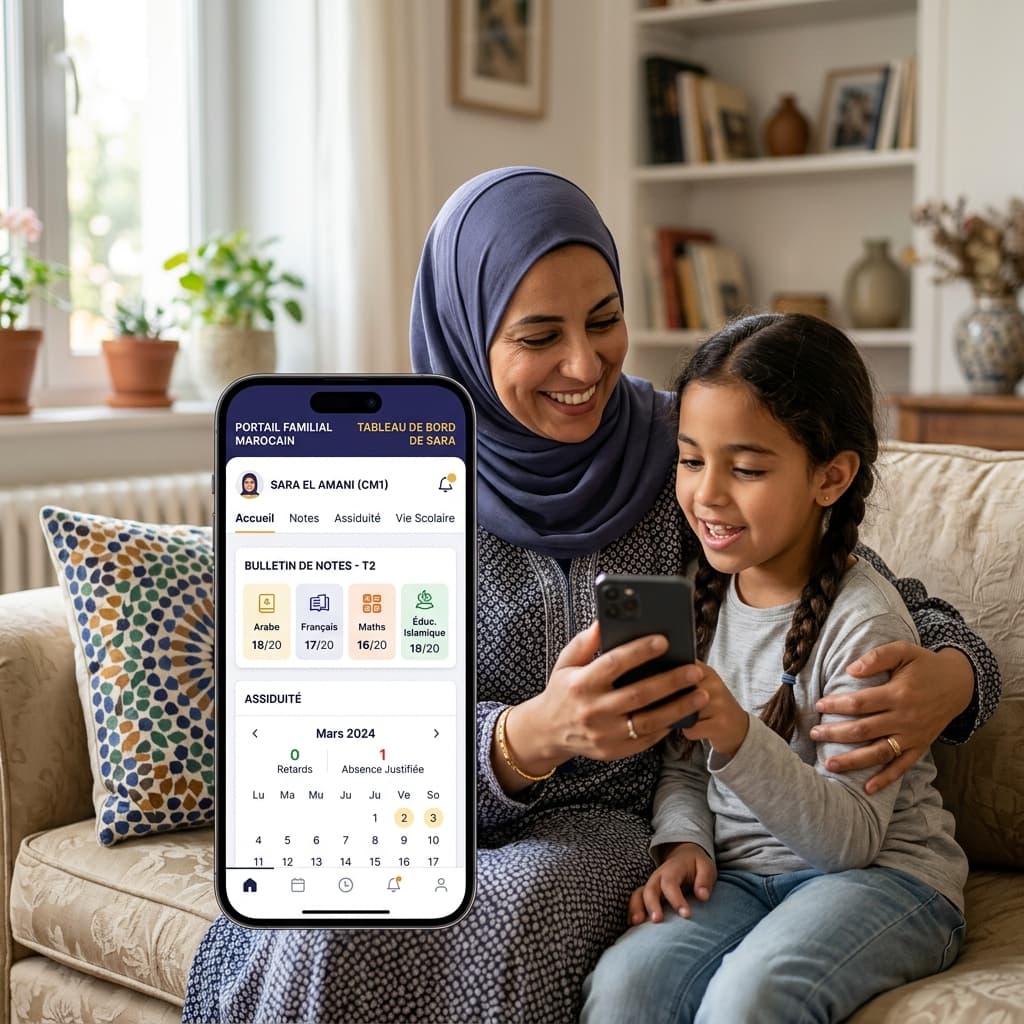
A useful parent portal makes the information families need visible, with the right access level and understandable statuses. Evaluate it through a real journey: view a grade, check an absence, find a report card, and understand a payment.
Four journeys to test
Families should distinguish a published grade from a pending one, see a dated absence, find an available report card, and understand a payment deadline. Important communication should show its date, author, and expected action. The Educati parent space describes these uses; ask to see permissions and correction cases.
Trust questions
Who creates accounts? What does a parent linked to several children see? How are languages, notifications, and support requests handled? What happens when information is corrected? The security page is a starting point for discussing controls and responsibilities.
Keep a human support path
Test readability on a phone, update dates, and the support channel. A portal should make the next action clear without claiming to replace the institution’s team. To review your scenario, request an Educati demo.